
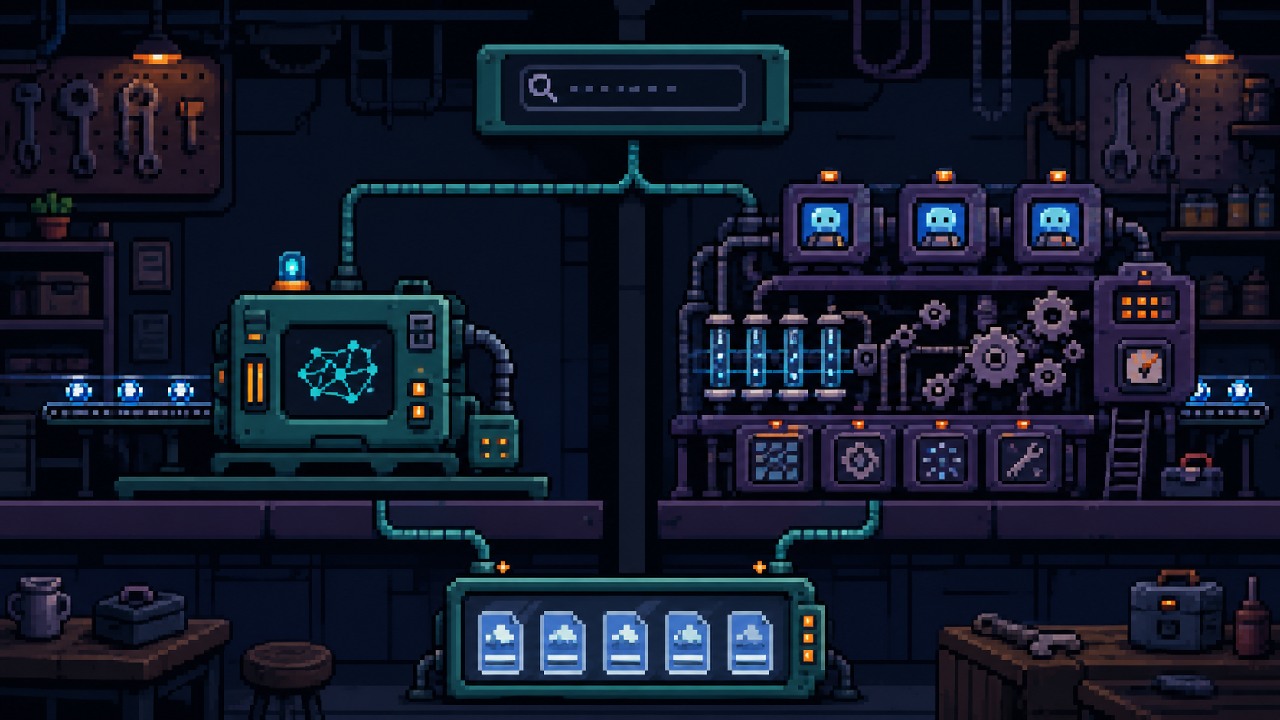
A managed Google AI Overview API is usually the smaller engineering project when you need answer text and cited sources as JSON. DIY scraping gives your team browser-level control, but the cost includes infrastructure, parser maintenance, monitoring, and developer time. Compare both with the same queries and count usable records rather than raw attempts.
A managed Google AI Overview API is the simpler choice when your application only needs the answer and cited sources as JSON. DIY scraping gives you control over the browser and raw page, but your team must operate that collection system. The cheaper option depends on developer time, existing infrastructure, and the exact output you need.
For a sample workload of 30,000 requests per month, the current Let's Scrape Ultra plan works out to $78.25 when its published overage is used. The Mega plan costs $99 and includes 50,000 requests. Those figures are API request fees, not complete project costs. Pricing was checked on September 22, 2026.
Test the managed API with your own queries
Google AI Overview API vs DIY scraping: the short answer
| Question | Managed API | DIY scraper |
|---|---|---|
| What does your app call? | One HTTP endpoint | Your own browser workers and parser |
| Who handles page extraction? | The API provider | Your team |
| What do you receive? | Structured answer and source data | Whatever your parser can extract |
| Who fixes a broken parser? | The provider handles its extractor | Your team changes and deploys the parser |
| Can you control browser behavior? | Only through documented API inputs | Yes, within your implementation |
| How is cost quoted? | Plans and request allowances | Infrastructure plus developer time |
The API is a good starting point for monitoring citations, checking whether a domain appears in sources, or saving answers for analysis. DIY is easier to justify when raw page capture or custom browser interaction is part of the requirement. It can also make sense when the company already has a maintained browser fleet and search parser.
Compare the same output on both sides
A fair comparison starts with one record format. Otherwise the API may be judged on structured citations while the DIY prototype is judged only on whether a browser opened Google.
For each query, require both solutions to produce:
- the exact query, country, and language;
- the AI Overview answer when one exists;
- the cited source URLs and their available metadata;
- an observation timestamp and a clear result state;
- enough evidence to investigate a suspicious result.
The current Google AI Overviews API uses GET /ai-overview with query, gl, and hl. The product page documents those inputs and the current plans. A DIY scraper must apply equivalent location and language settings as closely as its design allows.
Do not count every HTTP 200 response as usable data. Store states such as success_with_sources, success_no_sources, no_overview, and request_failed. Google does not show an AI Overview for every query, so a valid result without an overview is different from a failed request.
What does the managed API cost?
The table below reflects the Let's Scrape plans displayed on September 22, 2026. Recheck the RapidAPI listing before purchasing because prices and allowances can change.
| Plan | Monthly price | Included requests | Approximate included cost per request | Published overage |
|---|---|---|---|---|
| Basic | $0 | 200 | $0 | Not listed |
| Pro | $19 | 7,500 | $0.00253 | Not listed |
| Ultra | $49 | 20,250 | $0.00242 | $0.003 per extra request |
| Mega | $99 | 50,000 | $0.00198 | $0.003 per extra request |
Assume you check 1,000 keywords once per day for 30 days in one country and language. That creates 30,000 request attempts:
1,000 keywords x 1 market x 1 check per day x 30 days
= 30,000 requests per month
Under the published Ultra overage rule, the request fee is:
$49 + (30,000 - 20,250) x $0.003
= $78.25
Mega costs $99 and leaves 20,000 included requests unused. Ultra with overage is $20.75 cheaper for this exact workload. Mega gives more room if the workload is likely to grow. Confirm that overage is enabled for the account before relying on the $78.25 calculation.
What does a DIY scraper really cost?
There is no honest universal price for a DIY scraper. A developer using existing workers and network capacity has a different cost from a team building its first browser service. Use your own bills and labor rate.
DIY monthly cost =
  browser compute
  + network or proxy traffic
  + screenshots and HTML storage
  + monitoring services
  + developer maintenance time
  + incident response time
Also count failed attempts. If 5 percent of 30,000 jobs need one retry, the system performs another 1,500 attempts. Five percent is only a calculation example here, not a measured DIY failure rate.
Developer time is easy to hide because it does not appear on a hosting invoice. Track hours spent updating selectors, studying failed pages, replacing browser versions, and recovering stuck workers. Multiply those hours by the team's loaded hourly cost. That gives a project-specific number instead of an invented industry average.
How does reliability differ?
A managed API moves browser and extraction work to the provider. It does not make failures disappear. Your client still needs a timeout, response validation, limited retries for temporary server errors, quota monitoring, and storage for failed request details.
In a live API test on August 5, 2026, successful requests took between 5.7 and 28.9 seconds. The test also produced temporary HTTP 500 responses. This is a dated observation, not an SLA or a prediction of future performance. It supports using a deliberate timeout and recording errors by type.
A DIY scraper has more failure points under your control. A browser may fail to start, navigation can time out, an interstitial can replace the result page, or a layout change can break extraction. Saving the raw page or screenshot can help diagnose these cases. It also creates more storage and privacy work.
| Failure | Managed API response | DIY responsibility |
|---|---|---|
| Temporary service error | Record the HTTP error and retry within a limit | Inspect the worker, browser, and target response |
| No AI Overview | Store a valid no-overview state | Prove the overview is absent rather than missed by the parser |
| Response shape changes | Fail schema validation and alert | Update detection, extraction, and tests |
| Slow collection | Measure request latency | Measure queue time, navigation, rendering, and parsing |
Reliability should mean usable records divided by eligible attempts. Do not mix missing overviews with network failures, and do not publish a success rate without explaining the sample and the result states.
What changes when the workload grows?
Request count grows with every query, market, language, and repeat check. The 30,000-request example becomes 150,000 attempts if the same 1,000 keywords are checked across five markets each day. That exceeds the included capacity of the plans shown above, although Ultra and Mega list paid overage.
For the managed API, scale mostly changes quota use, cost, concurrency management, and storage. The provider's current public pages do not give enough information to promise a particular parallel request rate, so test concurrency with your account instead of inventing a limit.
For DIY scraping, more volume can require additional browser workers, a queue, worker health checks, and more network capacity. Increasing the worker count without controlling retries may increase duplicate work. The team also needs parser fixtures from different markets and languages if those pages render differently.
Both designs need backpressure. Backpressure means the scheduler stops adding work faster than the system can finish it. A beginner-friendly version is a queue with a fixed number of workers and a maximum retry count.
What work remains with a managed API?
The application team still owns the code around the API:
- keep the RapidAPI key in an environment variable or secret store;
- set a timeout and handle non-success HTTP responses;
- validate the expected JSON fields before saving them;
- retry temporary failures without retrying forever;
- store query inputs, timestamps, result states, answers, and sources;
- alert when failure rates or response shapes change.
The JSON extraction guide shows a complete first request. The response guide explains the observed fields and error states. Using an API removes a browser subsystem from your project, but it does not remove normal integration engineering.
Measure the API with a fixed query set
When does DIY scraping make sense?
DIY is worth testing when the output needs information that the API contract does not expose. Examples include a raw page artifact, a special browser interaction, or a collection flow shared with other maintained search products. It may also fit a team that requires direct ownership of the collection layer and accepts the maintenance work.
Do not build a browser scraper only because one virtual machine looks cheaper than an API plan. That comparison excludes the parser, network setup, monitoring, failed jobs, and developer time. The useful comparison is total monthly cost per usable observation.
Before collecting any website at scale, review the applicable terms, technical controls, privacy obligations, and legal requirements for the markets involved. This article compares engineering work and does not determine whether a particular collection method is legally permitted.
Run a small comparison before choosing
Use the same fixed query set for both options. Include queries that return an AI Overview, queries that do not, and several markets if the production job needs them. Save every result state rather than discarding failures.
Measure:
- usable observations and failure counts by category;
- median and slow-response latency;
- request, infrastructure, and storage cost;
- developer time spent building and repairing each path;
- whether the returned evidence is enough to debug a disputed result.
A pilot with 50 fixed queries is often enough to expose missing fields and obvious operational work. It is not large enough to establish a universal failure rate. Keep the fixtures and method so another developer can repeat the comparison.
If the final goal is citation monitoring rather than browser research, see the competitor monitor. For the difference between organic rank and source presence, use the ranking and citation diagnostic.
Frequently asked questions
Is a managed API failure-free?
No. It reduces the system your team operates, but requests can still time out or return errors. Store failures, retry temporary errors within a limit, and measure with your own query set.
Is DIY always cheaper at high volume?
No. Higher volume can spread fixed engineering work across more records, but it also increases browser, network, storage, and maintenance load. Calculate both options with your own costs.
Can I use both approaches?
Yes. A team can use the API for regular monitoring and keep a browser workflow for occasional investigation or raw evidence. That choice adds a second integration, so include it in the maintenance estimate.
Which option is better for a first version?
If the first version only needs answer text and cited sources, the managed API has the smaller interface. Build DIY first only when browser control or an unsupported output is already a requirement.
Sources and verification dates
- Let's Scrape Google AI Overviews API product page, endpoint, inputs, plans, allowances, and overage checked September 22, 2026.
- DataOcean Google AI Overviews on RapidAPI, listing checked September 22, 2026.
- Google Search Central: AI features and your website, checked September 22, 2026.
The response times and temporary HTTP 500 errors in this article come from a live product test performed on August 5, 2026. They are observations from that test, not guarantees about future service behavior.